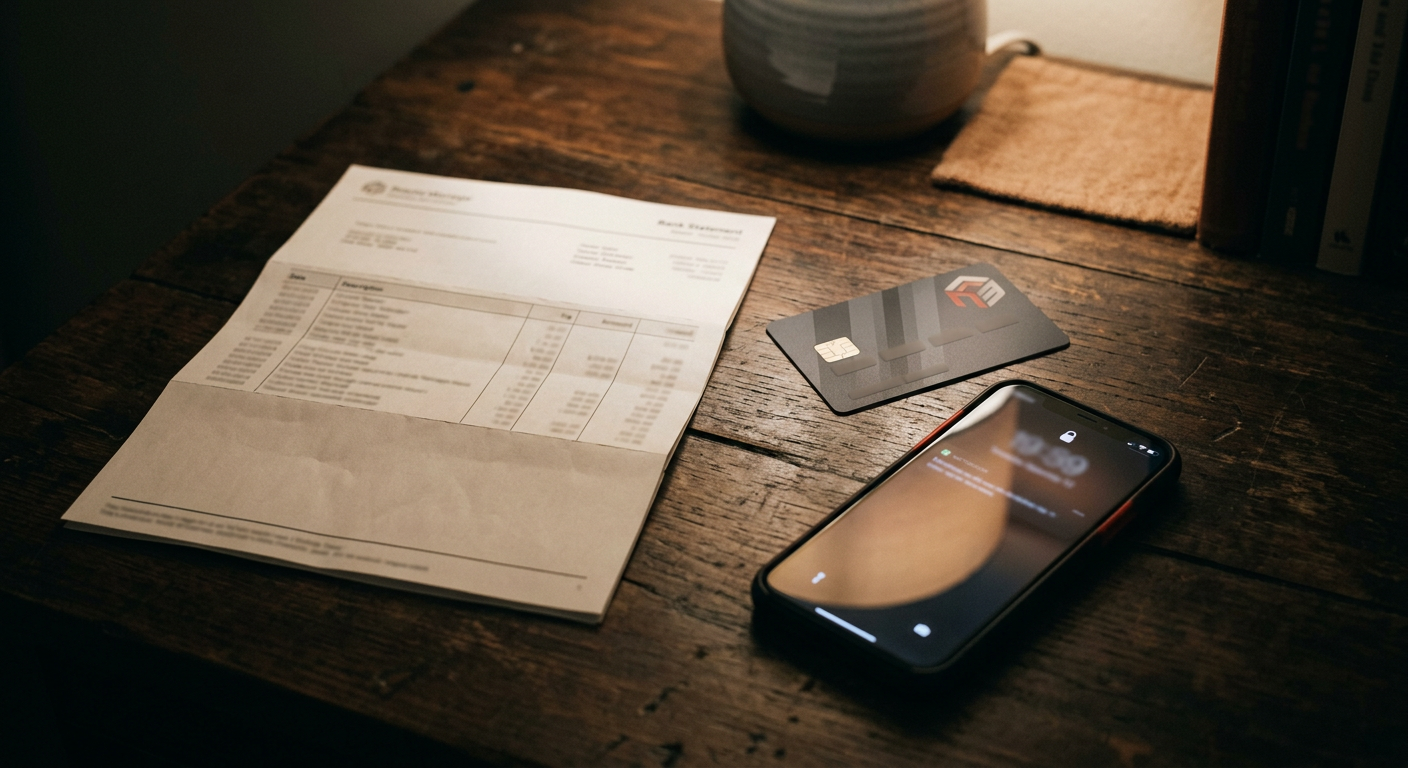
A common worry before signing up is what the charge will look like on a bank statement. The honest answer is that it depends on the platform and how you pay, so here is how to find out instead of guessing.
What a billing descriptor is
When you pay by card, your bank shows a short text entry for the merchant. That entry is called a billing descriptor. It is set by the platform and its payment processor, and it may or may not match the site's public name.
We cannot tell you what any particular site shows, because it can change. What you can do is check before you pay.
How to check before you pay
1. Open the billing or help page. Reputable platforms explain what appears on a statement.
2. Read the terms and checkout page. The merchant name is often shown at checkout.
3. Contact support if it is unclear. Ask what the entry looks like and whether it can differ by payment method.
4. Start small. A small first purchase lets you see the real entry before you spend more.
Payment options and what they mean
| Method | Statement entry | Control |
|---|---|---|
| Credit or debit card | A transaction in your name | Dispute process via your bank |
| Prepaid voucher | Not tied to your main account | Fixed spending limit |
| Virtual card | A separate card number | Easy to cap or cancel |
| Crypto | Not a bank entry | Payments are generally not reversible |
Each has trade-offs, and we compare them in detail in our payment methods guide.
Habits that protect your privacy
- Keep a spending limit. Decide an amount before you start.
- Use the official checkout only. Never enter card details on a page linked from a chat or message.
- Keep your details private. Our privacy guide covers usernames, email and device habits.
- Watch for scams. Fake sites imitate real ones to collect card details. Our fake cam site checklist shows the warning signs.
If you do not recognise a charge
Check the descriptor against your recent purchases. If it is yours, you are done. If not, contact the platform's support first, then your bank if you cannot resolve it. Keep any receipts or confirmation emails; they make this much easier.
The short version
Cam site payments appear on your statement like any other card payment, and what they say depends on the platform. Check its billing page before you buy, start small, and pick the payment method that fits your priority. To compare platforms, see our best cam sites 2026 ranking.